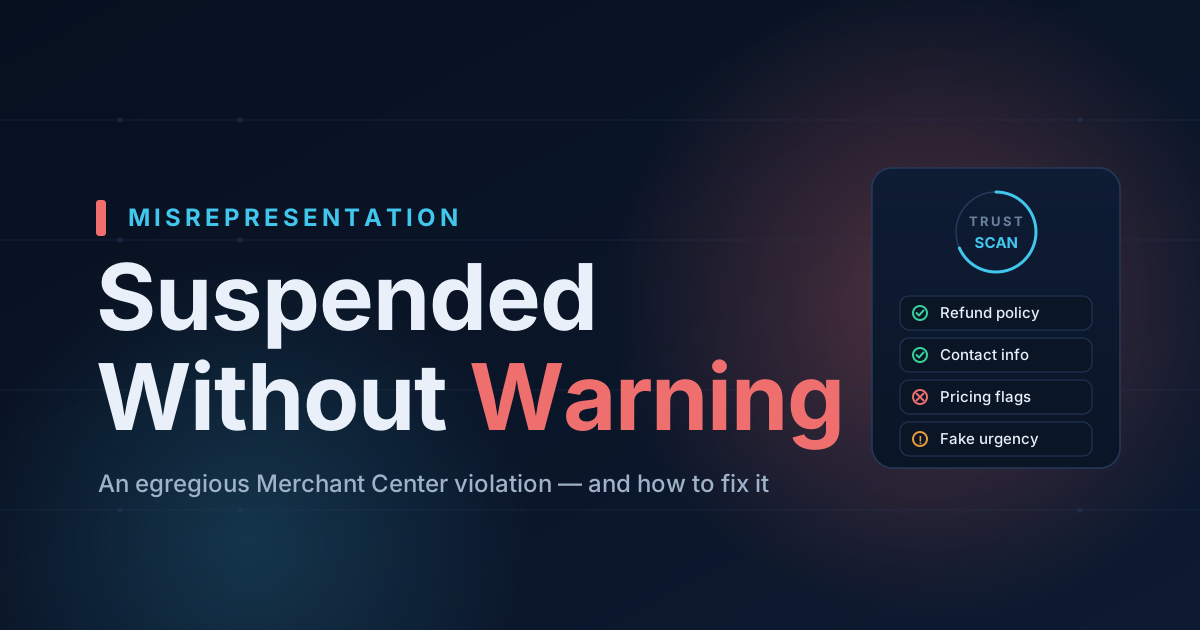
If your Shopify store was just suspended from Google Merchant Center for "Misrepresentation of self or business," you're in the worst category of suspension — and the most frustrating one, because Google almost never tells you which part of your store caused it.
Here's the hard truth and the fix, based on Google's current (2025–2026) Merchant Center policies.
Why misrepresentation is so serious
Google classifies misrepresentation as an "egregious" violation. Unlike most policy issues — where you get a 7- or 28-day warning — an egregious violation can suspend your account immediately, with no prior warning. That's why so many merchants wake up to a dead Merchant Center and a vague email.
The policy isn't really about lying. It's about Google not being able to verify that you are a trustworthy, transparent business. Most suspensions aren't one big problem — they're a combination of small trust gaps that, together, make Google's automated review uneasy.
The most common triggers (and how to fix each)
1. Missing or hard-to-find refund/return policy
This is the single most-cited cause. Google's misrepresentation policy explicitly lists a "return and refund policy that is unclear, missing, or not easily discoverable."
Fix: Publish a clear refund/return policy with concrete timeframes and conditions, and link it in your footer so it's reachable from every page.
2. Weak business contact information
Google expects to verify a real business: a legal business name, physical address, phone number, and email, shown consistently across your store and matching your Merchant Center settings.
Fix: Add at least two contact methods (email + phone, ideally a physical address) on a Contact page and in the footer. Make sure the business name matches everywhere — your domain, your About page, and your Merchant Center profile.
3. Insecure or broken site
A checkout that isn't fully HTTPS-secured, broken links, or leftover placeholder text ("coming soon", "Lorem ipsum") all read as an unfinished, untrustworthy store.
Fix: Confirm the whole store (including checkout) loads over https://, remove placeholder content, and fix dead links.
4. Deceptive or "dishonest" pricing
As of Google's October 2025 Dishonest Pricing Practices update, undisclosed fees, fake "was" prices (a compare-at price that isn't actually higher than the selling price), and bait-and-switch pricing fall squarely under misrepresentation.
Fix: Make sure every "compare-at" price is genuinely higher than the current price, and that the price a shopper sees is the price they pay (before clearly disclosed shipping and tax).
5. Fake urgency and untrustworthy promotions
Countdown timers that reset on reload, "Only 2 left!" on every product, and "37 people are viewing this" widgets are classic misrepresentation flags.
Fix: Remove fake-scarcity apps, or only show urgency when the numbers are real.
6. Identity inconsistency
If your storefront brand name, your legal entity, and your Merchant Center business name don't line up, Google can read it as an attempt to misrepresent who you are.
Fix: Use one consistent business identity everywhere, and state your legal entity (e.g. in the footer or Terms page).
The catch: Google won't tell you which one
Because the suspension notice is deliberately vague, most merchants fix one thing, request a review, get rejected, and the cooldown gets longer each time. The key is to fix all of the likely triggers before you request a review — not one at a time.
That's exactly what a compliance scan is for. Run a free scan of your store and we'll check it against the same categories Google reviews — policy pages, contact and trust signals, pricing, structured data, and misrepresentation flags — and tell you precisely what to fix before you appeal.
After you've fixed everything: request the review
Once your store genuinely addresses the triggers above, request a review from inside Merchant Center. Don't rush it — a failed re-review can lengthen your wait. Make the fixes real, document them, then appeal once, cleanly.
Stop guessing why Google flagged your store
Run a free scan to see the exact issues Google checks for — then install the ShopFlix AI app to fix them automatically and stay approved.
0 Comments
No comments yet — share your experience or ask a question below.
Leave a comment