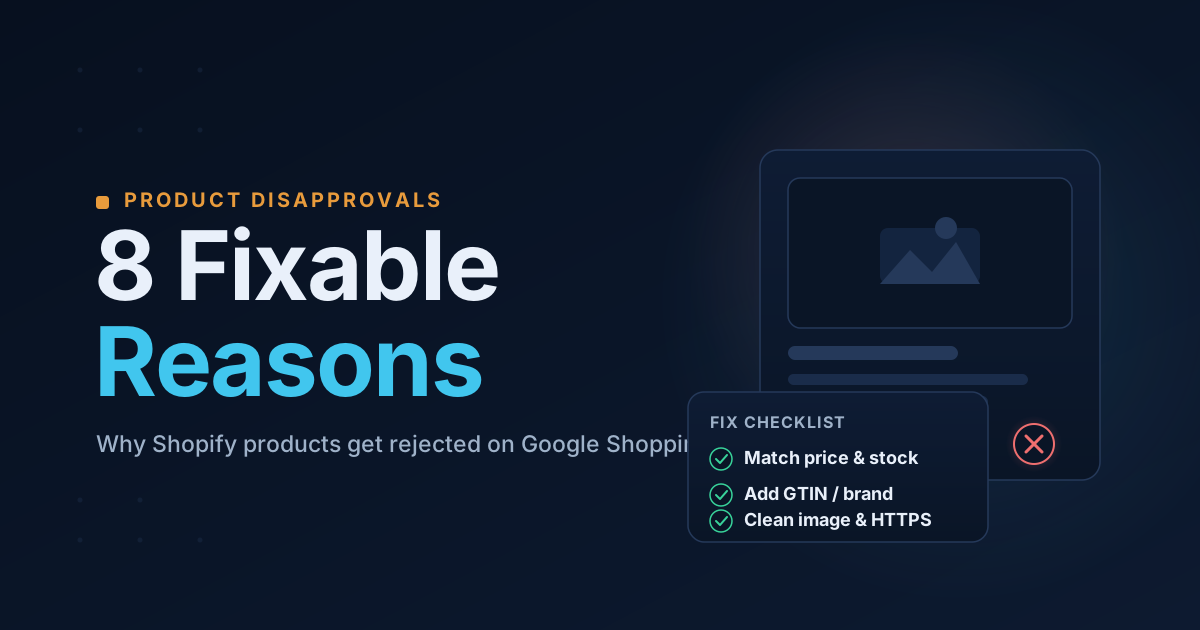
Item-level disapprovals are different from an account suspension: your account is fine, but specific products won't show in Shopping. The good news is these are usually mechanical, fixable data problems. Here are the eight most common ones for Shopify stores, with the fix for each.
1. Price mismatch between your feed and your landing page
This is the #1 disapproval reason. Googlebot crawls your product page and compares the price in your feed against the price shown on the page — including the price in your structured data (JSON-LD). If they disagree, the product is disapproved as "mismatched price."
Fix: Make the price in your product page's JSON-LD exactly match the price shown to shoppers and in your feed. Avoid injecting price with JavaScript after the page loads — Google's crawler reads the server HTML.
2. Availability mismatch
Same idea for stock status: availability must be consistent across the landing page, the structured data, and the feed. "In stock" in your JSON-LD but sold out on the feed → disapproved.
Fix: Keep availability in sync. For out-of-stock items, keep the page live with the price still visible and a clear "Sold out" state — don't just remove the page.
3. Missing product identifiers (GTIN / MPN / brand)
Google needs to match your product to its catalog. For most new products it expects a brand plus a unique identifier — a GTIN (barcode) or, if there isn't one, an MPN.
Fix: In Shopify, set the product Vendor to the brand, and enter the barcode (GTIN) under each variant's Inventory section. If a product genuinely has no GTIN, provide the manufacturer's MPN.
4. Image policy violations
Google rejects product images that contain promotional text, watermarks, or borders, as well as placeholder/generic images and scaled-up thumbnails.
Fix: Use clean product photos with no overlaid text or badges. Note: a 500×500px minimum image size is being enforced (warnings from April 2026, disapprovals from January 31, 2027) — upload at 800×800 or larger to be safe.
5. Missing or thin product descriptions
An empty or one-line description gives Google nothing to work with and often leads to disapproval.
Fix: Write a real description covering what the product is, its key features, and materials/specs.
6. Deceptive (fake-sale) pricing
A "compare-at" price that is not actually higher than the selling price is treated as a deceptive discount and disapproved.
Fix: Either set the compare-at price genuinely higher than the price, or clear it.
7. Missing required policy pages
Even at the item level, Google leans on store-wide trust signals. A missing refund/return policy is a frequent contributor.
Fix: Publish and footer-link a clear refund/return policy.
8. Non-HTTPS or unreachable landing pages
If the product's landing page isn't secure or can't be crawled, it can't be approved.
Fix: Ensure every product URL loads over https:// and isn't blocked or password-protected.
Find which ones are hitting your store
Most stores have a handful of these across many products — and Google's dashboard doesn't always make the root cause obvious. Run a free scan and we'll check your storefront and product feed for all eight of these, point to the exact products affected, and give you the fix for each.
Stop guessing why Google flagged your store
Run a free scan to see the exact issues Google checks for — then install the ShopFlix AI app to fix them automatically and stay approved.
0 Comments
No comments yet — share your experience or ask a question below.
Leave a comment