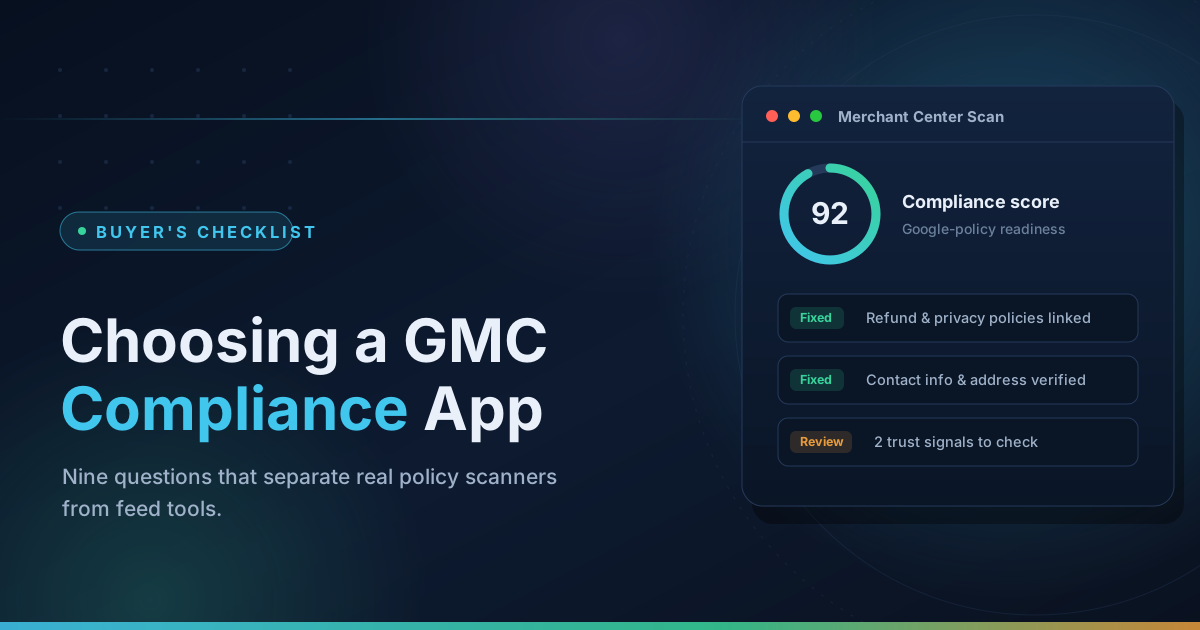
Search the Shopify App Store for "Google Merchant Center" and you get a wall of apps that all sound identical. Feeds, sync, optimization, compliance — the listings blur together. Then you install one, and three weeks later your account gets suspended for Misrepresentation anyway, and you realize the app you paid for was never built to prevent that.
Here is the uncomfortable truth: merchants conflate three completely different problems, and most apps only solve one of them.
- Feed sync problems — products not appearing in Merchant Center, stale prices, missing variants. This is a plumbing problem between Shopify and Google.
- Product-level disapprovals — individual items rejected for missing GTINs, bad images, mismatched prices, restricted categories. This is a data-quality problem.
- Account-level suspension — your entire account shut down for Misrepresentation, Untrustworthy Promotions, or policy circumvention. This is a trust problem, and it usually lives on your website, not in your feed.
An app built for problem #1 cannot fix problem #3. Choosing the wrong category isn't a small mistake — it costs you weeks of downtime while the real issue sits untouched. This guide gives you a 9-point checklist to match the app to your actual problem before you spend a dollar.
Step 1: Match the App to Your Actual Problem
If products aren't syncing at all → you need a feed app
Symptoms: products missing from Merchant Center, prices lagging behind your store, variants collapsing into one item. The native Google & YouTube channel is notorious for this, and we've covered the failure modes in detail in why Shopify products stop syncing to Merchant Center.
Dedicated feed apps are the right tool here. Verified options that actually exist and are actively maintained in 2026:
- Simprosys Google Shopping Feed — the category leader with 4,300+ reviews at 4.9 stars. Submits feeds to Google, Microsoft, Meta, and Pinterest, handles Performance Max campaigns, and offers a 21-day free trial with paid plans in the ~$14–18/month range depending on catalog size.
- Nabu for Google Shopping Feed by AdNabu — 4.8 stars, AI-assisted feed generation for Google, Bing, TikTok, Snapchat, Pinterest, and Facebook.
- Ced Google Shopping Feed & Ads by CedCommerce — 4.5 stars with a free plan available; profiling features to filter and configure which products get listed.
- DataFeedWatch — 4.7 stars, an enterprise-grade feed engine covering 2,000+ channels with rule-based transformations. Pricing starts around $64/month, so it's aimed at larger catalogs and agencies.
If individual products are disapproved → you need feed optimization plus policy knowledge
Missing gtin, promotional overlay text on images, price mismatch between feed and landing page — these are fixable data problems. Feed apps handle some of it; understanding why products get disapproved on Google Shopping handles the rest. Some merchants skip apps entirely here and hire a managed service — FeedArmy, for example, is a long-running human-run service (not an app) that does weekly feed management and Merchant Center fixes for a monthly fee.
If your whole account is suspended → you need a compliance scanner
This is the category most merchants don't know exists until they need it. A Misrepresentation suspension is almost never about your feed. Google's automated review looks at your store: missing business address, contact page with only a form, unreachable refund policy, template boilerplate left in your Terms of Service, domain registered three weeks ago with no business identity anywhere. We broke down the full trigger list in our guide to Merchant Center Misrepresentation suspensions.
A feed app cannot see any of that. It reads your product data, not your policy pages. If you're suspended and your "fix" plan is a feed app, you're bailing water from the wrong boat.
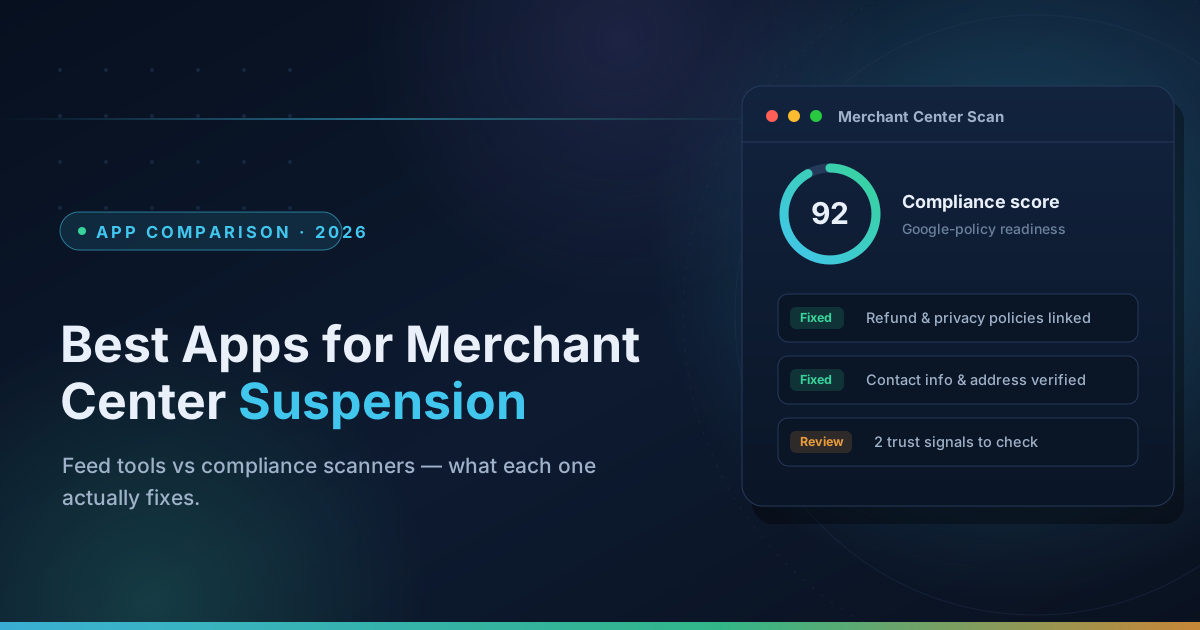
For a side-by-side look at specific apps in both categories, see our companion roundup of the best Shopify apps for Merchant Center suspensions in 2026.
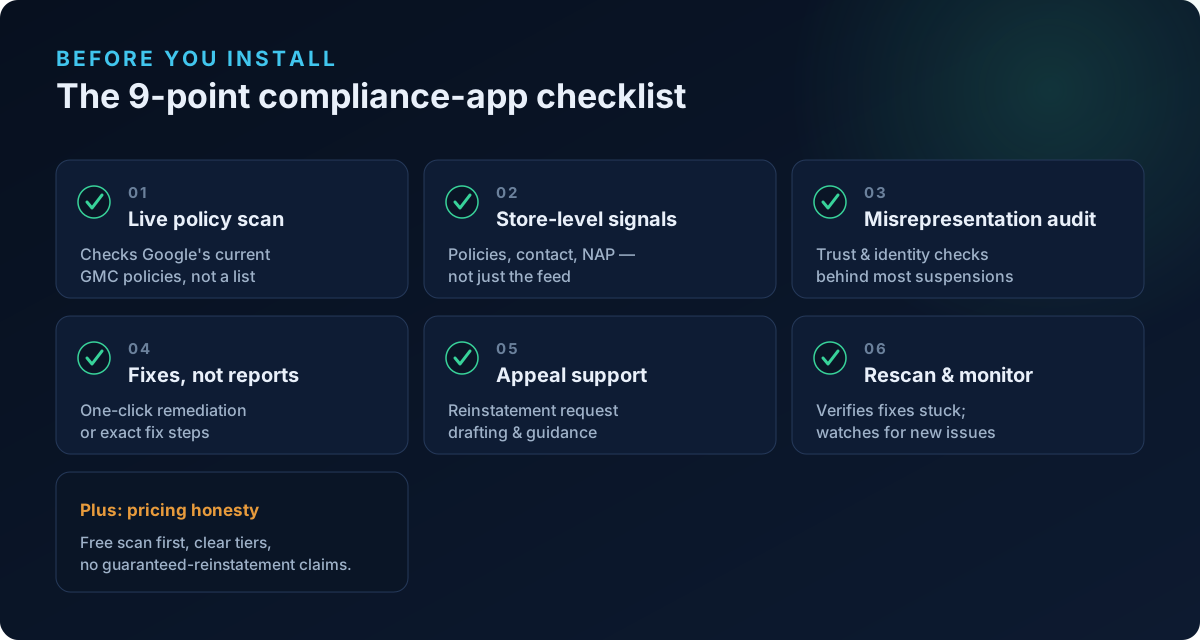
The 9-Point Checklist
Run every candidate app through these questions. The answers separate real compliance tools from feed apps wearing a compliance costume.
1. Does it scan against current Google policy, or a static rule list?
Google's Shopping policies change constantly — new requirements around AI-generated content, checkout requirements, and shipping disclosures have all landed since 2024. An app hardcoded with 2023 rules will pass stores that Google now fails. Ask when the policy logic was last updated, or look for evidence in the changelog and blog.
2. Does it check store-level trust signals — or only the feed?
This is the single most important question for suspended merchants. Does the scanner evaluate your business address and NAP consistency, contact methods, refund/shipping/privacy policies, About page, domain age signals, and payment trust markers? Or does it only validate product attributes? If the app's marketing only talks about titles, GTINs, and images, it's a feed tool. Merchants who fix every product error and still get re-suspended are almost always missing the trust layer — we wrote about exactly that failure mode in suspended again after fixing everything.
3. Does it scan all products or a sample?
Some scanners check your top 20 products and extrapolate. Google doesn't sample — one policy-violating product page can flag the account. Full-catalog coverage matters, especially for stores with hundreds of SKUs.
4. Does it fix, or only report?
A 40-item PDF of problems is homework, not help. The useful question: for each finding, does the app apply the fix (rewrite the policy page, correct the product data, add the missing disclosure) or just describe it? Report-only tools are fine if they're cheap; they're overpriced at $50/month.
5. Does it verify fixes against your live store?
After you (or the app) make changes, does it re-scan the live site to confirm the issue is actually resolved — or does it just mark items "done" when you click a button? Deterministic re-validation is the difference between "we think it's fixed" and "it's fixed." This matters enormously before you file an appeal, because a failed appeal extends your cooldown.
6. Does it help with the appeal itself?
Reinstatement is a process: fix everything, verify, then request review with limited attempts. A good compliance app tells you when you're ready to appeal and what to say. It should not promise outcomes — see red flags below. Our reinstatement guide covers the appeal mechanics in full.
7. Is there ongoing monitoring, or is it one-and-done?
Stores drift. A theme update deletes your footer policy links; an employee uploads a product with a prohibited claim; a price sync breaks. Suspension prevention is continuous, so look for scheduled re-scans or monitoring — a one-time scan protects you for exactly one day.
8. Is the pricing model honest?
Watch for: per-product pricing that balloons with catalog size, "free" apps where every useful feature is paywalled, and setup fees for automated software. Reasonable 2026 market range: feed apps run roughly $10–20/month for typical catalogs (enterprise tools like DataFeedWatch start higher), and compliance scanners should offer a free scan before asking for money — if you can't see what's wrong before paying, walk away.
9. Do the reviews describe your problem?
Read the actual review text, not the star count. An app with 4.9 stars earned entirely from "feed synced fast" reviews tells you nothing about suspension recovery. Search reviews for "suspended," "misrepresentation," and "reinstated" and see what comes back.
Red Flags That Should End the Conversation
How ShopFlix AI Answers the Checklist
Full disclosure: ShopFlix AI is our app, so weigh this section accordingly — but the checklist above was written before this section, and you can hold us to it.
- Live policy scanning: our scan engine is built against current Merchant Center policy, including the 2026 checkout and disclosure requirements — the same list we publish in our compliance scan checklist.
- Store-level trust signals: yes — a dedicated Trust & Identity layer checks business address/NAP, contact methods, policy pages, About/identity content, and domain-level signals, because that's where Misrepresentation suspensions actually come from.
- Full catalog: Deep scans cover every product, not a sample, including structured-data consistency checks.
- Fix, not just report: the app applies fixes for product-level and store-level issues, and every fix is re-verified against your live store with deterministic checks before it's marked resolved.
- Monitoring: scheduled re-scans watch for regressions after you're clean.
- Pricing: the free Merchant Center scan runs with no install and no card. There's a free plan in the app, and paid tiers start at $4.99/month. No setup fees, no per-product pricing.
- What we won't claim: guaranteed reinstatement. We get your store to a verifiably compliant state and tell you when appealing makes sense — Google makes the final call. Full feature breakdown is on our features page.
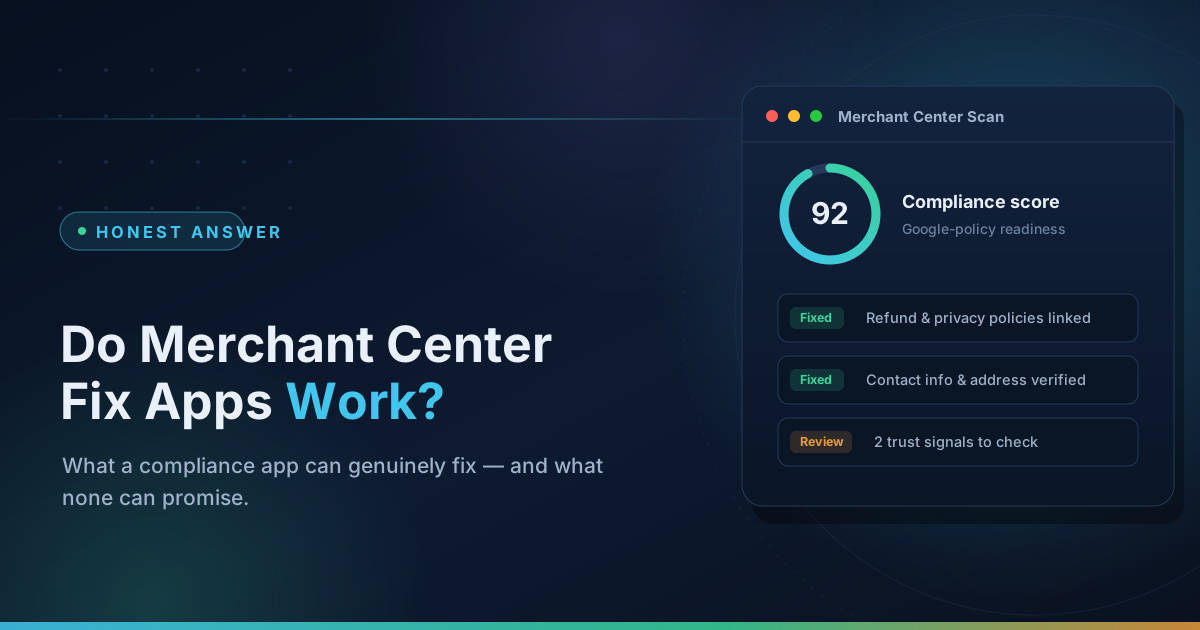
If you want the skeptic's version of this evaluation — including where compliance apps genuinely fail — we wrote that too: do Merchant Center fix apps actually work?
FAQ
Do I need a feed app or a compliance app?
Look at your Merchant Center account status. Products missing or stale → feed app. Individual disapprovals → feed data fixes. Account-level suspension banner → compliance scanner that checks your store, not just your feed. Many suspended merchants eventually run both: a feed app for plumbing, a compliance layer for trust.
Will Shopify's free Google & YouTube channel fix a suspension?
No. It's a sync pipe. It moves product data to Google; it has no ability to detect or repair the store-level policy violations that cause suspensions — and its sync reliability issues are themselves a common source of disapprovals.
Can any app guarantee my account gets reinstated?
No, and this is the fastest way to filter vendors. Reinstatement decisions are made by Google's review process. An honest tool maximizes your odds by making your store verifiably compliant before you appeal; a dishonest one sells you certainty it doesn't have.
How much should this cost?
Feed management: roughly $10–20/month at typical catalog sizes from established apps like Simprosys or AdNabu. Compliance scanning: you should be able to see your problems for free, with paid plans only for fixing and monitoring — ShopFlix AI's paid tiers start at $4.99/month. Be suspicious of three-figure "reinstatement packages" that are mostly a checklist you could run yourself.
I fixed everything the scanner found and got suspended again. What now?
The scanner you used probably only saw your feed. Re-audit the trust layer — identity, policies, contact, domain signals — before your next appeal, because repeat suspensions burn limited review attempts. Start with why stores get suspended again after "fixing everything", then run a free Merchant Center scan to see what the first tool missed.
Stop guessing why Google flagged your store
Run a free scan to see the exact issues Google checks for — then install the ShopFlix AI app to fix them automatically and stay approved.
0 Comments
No comments yet — share your experience or ask a question below.
Leave a comment